- Apps
- Premium
-
VPN Locations
- Help
- Sign up
- Sign in
VPN for Apple TV
Install Browsec from the App Store right on your Apple TV and protect everything it streams. Works on Apple TV HD and every Apple TV 4K with tvOS 17.6 or later.
One Browsec Premium subscription covers your Apple TV and up to 4 more devices.
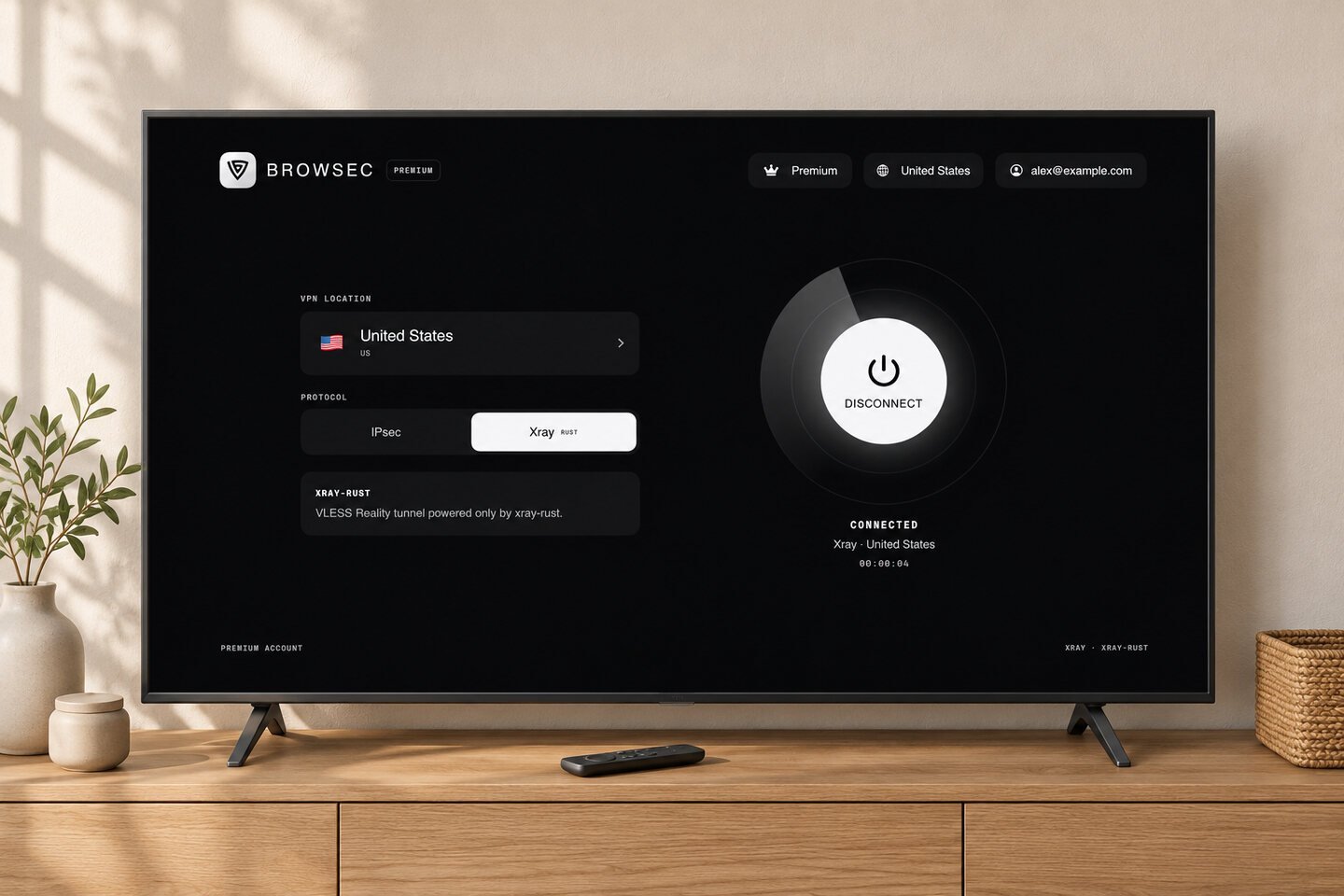
How to set up a VPN on Apple TV
Four steps, about two minutes, all with the remote:
-
01
Open the App Store
On the Apple TV Home screen, open the App Store and go to Search.
-
02
Install Browsec
Type Browsec and select Get. If you already use Browsec on an iPhone with the same Apple Account, you'll also find it under Purchased. Tip: when a text field opens on Apple TV, your iPhone shows a keyboard notification, so you can type there instead of with the remote.
-
03
Allow the VPN configuration
Open Browsec. The first time you connect, tvOS asks for permission to add a VPN configuration. Select Allow.
-
04
Pick a location and connect
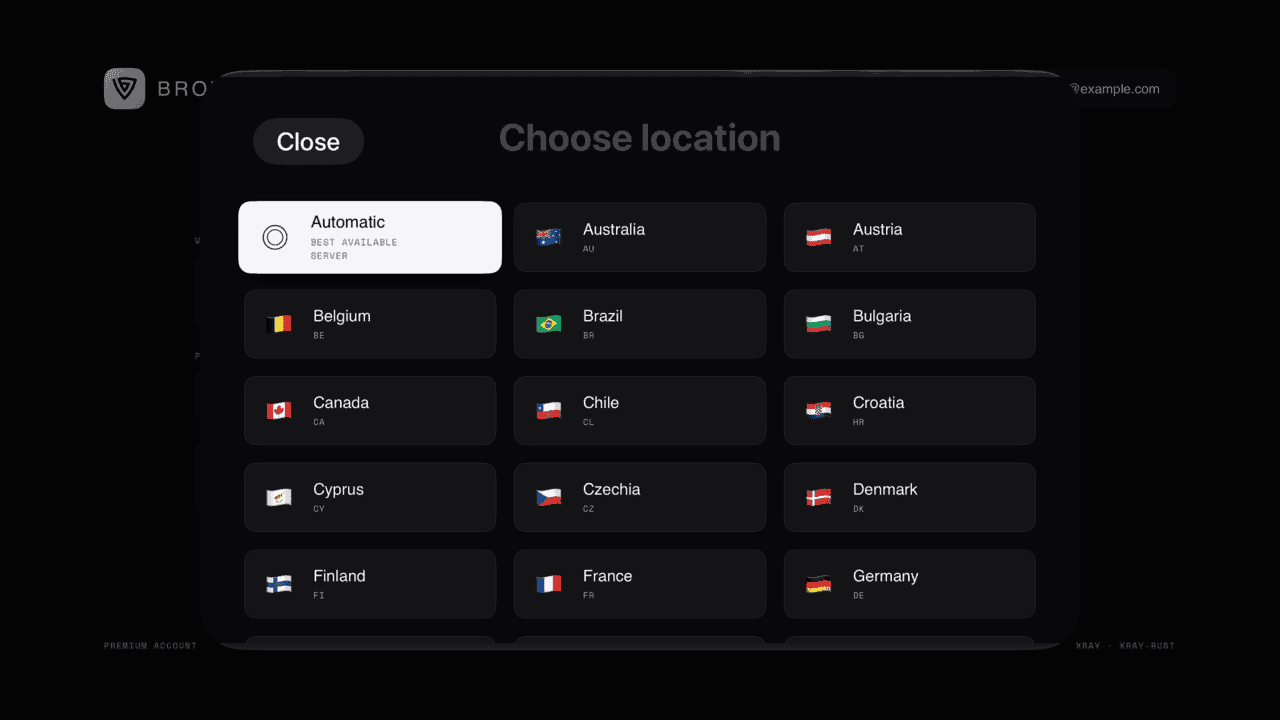
Choose a location from the list and select Connect. If you have Premium, sign in with your Browsec account to unlock every location.
Why use a VPN on your Apple TV
Your usual shows, wherever you are
Living abroad or staying somewhere for a few months? Connect to a location back home, and streaming apps see a Browsec IP address from that country instead of your local one.
What you watch stays between you and the app
Your internet provider sees encrypted traffic going to a Browsec server, not which services you open or what you play on them.
Safer on shared networks
Dorms, shared apartments and vacation rentals put your Apple TV on a network you don't control, shared with strangers. With Browsec on, everything the Apple TV sends is encrypted before it leaves the box.
Made for the big screen
Built for the remote
Use the remote to pick a country or choose Automatic to let Browsec select a server. The only time you need to type is when you sign in, and you can use your iPhone as a keyboard.
Runs in the background
Once you're connected, press the TV button to go back to the Home screen and open any streaming app. The VPN keeps working while you watch.
One app for iPhone, iPad and Apple TV
It's the same app on every Apple device, so your Browsec account works on all of them. Premium bought on the website or on your iPhone unlocks the Apple TV too.
What you get with Browsec VPN for Apple TV
Worldwide connection
46 server locations across Europe, the Americas, Asia, Africa and Australia, including two in the US. Switch between them whenever you like.
Two protocols: IPsec and Xray
Choose the protocol right in the app: IPsec, or Xray for networks that try to block VPNs.
Free to start
Start with the free locations. There are no ads on the free plan or on Premium. Upgrade when you want more locations and faster servers.
One subscription, five devices
Your Apple TV counts as one of the five devices on a Premium account. The other four can be any mix of phones, computers and browsers.
What people say about Browsec
tjscaliI've been using this VPN for over a year. I have never had an issue. It's easy to use and I can look to see which countries have the highest bandwidth and pick with ease.
Stoyan9Tried many times in diff countries, never fails
SeregaI love it. This app is the best. I downloaded approximately 14 other similar apps and none of them worked the way they supposed to. This app works perfectly awesome
Q8DiverBrowsec is the best VPN app ever, excellent job developers 👍 keep going
Get Browsec VPN for Apple TV
7-day money-back guarantee
Frequently asked questions
How do I set up a VPN on Apple TV?
Open the App Store on your Apple TV, search for Browsec and select Get. Open the app and select Connect. The first time, tvOS asks for permission to add a VPN configuration: select Allow. Then pick a location from the list. If you have Browsec Premium, sign in with your Browsec account to get every location. The whole setup takes about two minutes. Can't find the app? The App Store follows your Apple Account's country, and Browsec isn't listed in every country. Our Help Center explains how to install it in that case.
Why isn't my VPN working on my Apple TV?
First, open Browsec and check that it says you're connected. Then close the streaming app completely and open it again: press the TV button twice to open the app switcher and swipe up on the app. Many apps remember your location until they restart. If that doesn't help, restart the Apple TV in Settings > System > Restart, or connect to a different location. Also check that the Apple TV runs tvOS 17.6 or later in Settings > General > About. Still stuck? Write to support@browsec.com and tell us your Apple TV model and the location you're connecting to.
Which Apple TV models support VPN apps?
Apple TV HD and every Apple TV 4K can run Browsec, as long as they have tvOS 17.6 or later. tvOS has no built-in VPN, so a VPN app is the only way to add one. To check your version, open Settings > General > About. To update, go to Settings > System > Software Updates. Older models, such as the Apple TV 3rd generation and earlier, have no App Store, so they can't install VPN apps.
Can a VPN change my location on Apple TV?
Partly. Streaming apps and websites see the IP address of the Browsec location you pick, so they treat the Apple TV as being in that country. Apple's own services work differently: the App Store and the Apple TV app's catalog follow the country of your Apple Account, not your IP address, so a VPN doesn't change them. If an app still shows your real country after you connect, close it fully and reopen it.
Can I use one Premium subscription on Apple TV and my other devices?
Yes. One Browsec Premium subscription covers up to 5 devices at the same time, and your Apple TV counts as one of them. Sign in with the same Browsec account on each device: iPhone, iPad, Android, Windows, Mac, Linux or a browser extension. A subscription bought on the website also works in the App Store app, and the other way round.